

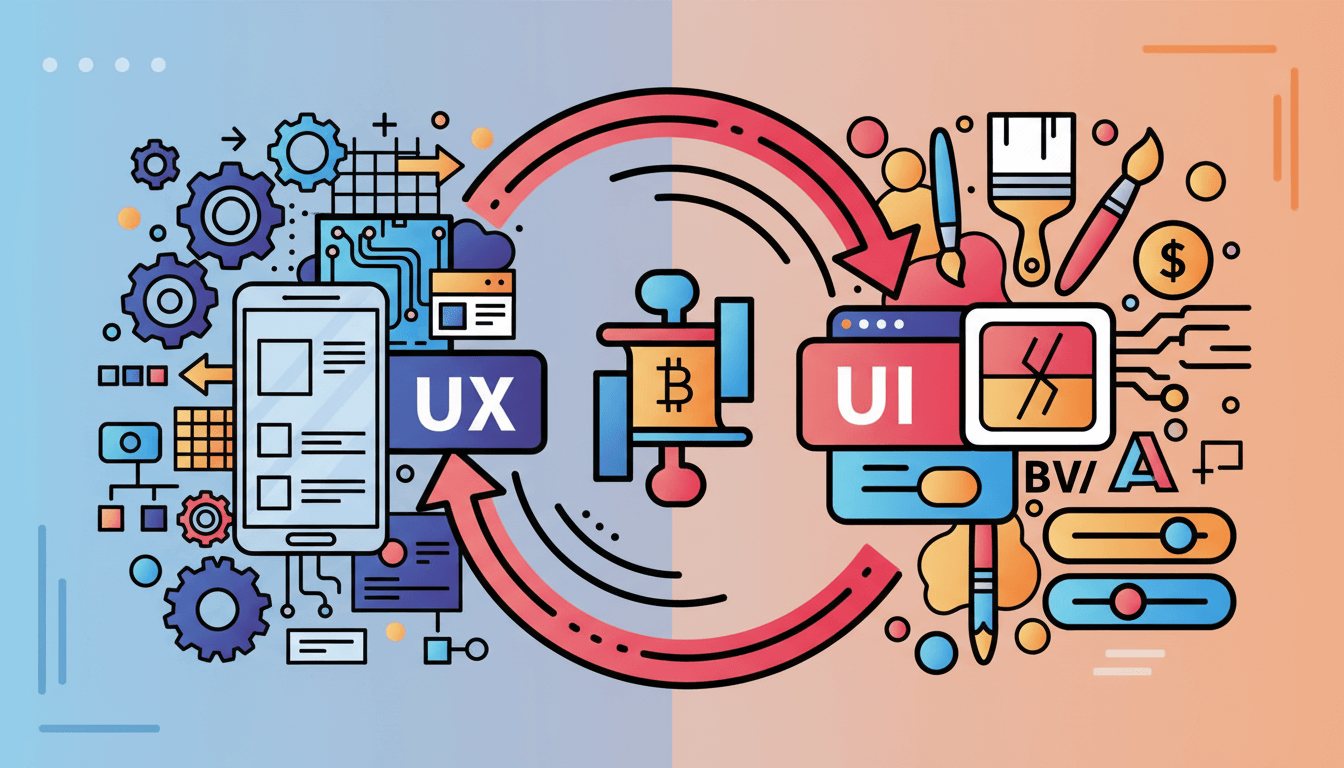
In digital design, few concepts are confused as often — or as severely — as UX and UI. Many people use the terms interchangeably, assuming they refer to the same thing. Others believe UI is “design” while UX is “optional.” And some assume a beautiful interface automatically creates a great user experience.
In reality, UX and UI are distinct disciplines, each with its own purpose, process, and impact. One focuses on how a product works, the other on how it looks. Together, they shape the emotional, functional, and behavioral journey a user takes.
In 2025, where digital products must deliver seamless, intuitive, and high-performing experiences, understanding the difference between UX and UI isn’t just helpful — it is mission-critical. The brands that recognize this distinction consistently outperform those that rely on visuals alone.
This article breaks down what UX and UI actually mean, why they matter, and how they work together to create digital experiences that convert, delight, and retain users.
The Core Difference: Form vs Function
At the simplest level:
- UX (User Experience) is how something works.
- UI (User Interface) is how something looks.
UX is structural, strategic, and behavioral.
UI is visual, expressive, and tactile.
UX creates the blueprint.
UI decorates and activates the blueprint.
A digital product can have a beautiful UI and still fail because the UX is confusing.
Likewise, a product can have flawless UX but feel unpolished without strong UI.
Great products require both.
What UX Really Is — Beyond the Buzzword
UX is the journey a user takes. It includes everything a user thinks, feels, and does while interacting with a website or app.
UX is about:
- Flow
- Logic
- Intuition
- Behavior
- Problem-solving
- Reducing friction
- Guiding users toward meaningful outcomes
UX designers ask questions like:
- What is the user’s goal?
- What steps are required to achieve it?
- Where might confusion occur?
- How can we streamline this process?
- What emotions do we want to evoke?
UX is the invisible architecture behind every great digital experience.
What UI Really Is — Visual Communication and Interaction Design
UI is the visual and interactive surface layer.
UI includes:
- Layout
- Typography
- Colors
- Icons
- Buttons
- Illustrations
- Motion and transitions
- Interaction states
UI is responsible for emotional tone and brand expression. It’s where aesthetics become functional.
UI designers ask:
- Is the interface visually appealing?
- Are elements aligned with the brand identity?
- How do we create visual hierarchy?
- Are the buttons intuitive to click?
- Are interactions satisfying and clear?
UI is the personality of the experience, while UX is the logic.
The Danger of Prioritizing UI Over UX
Many companies make the mistake of jumping straight to visual design. They focus on colors, typography, and component styling before clarifying the underlying user journey.
This leads to:
1. Confusing layouts
Beautiful sections that don’t guide users properly.
2. Poor conversions
Because the flow doesn’t support user behavior.
3. Increased support tickets
Users can’t find what they’re looking for.
4. High bounce rates
The experience fails before the visuals can even be appreciated.
5. Inefficient redesign cycles
Teams constantly revise visuals instead of fixing foundational UX problems.
Good UI cannot rescue bad UX — but good UX can dramatically elevate UI.
The Danger of Prioritizing UX Over UI
On the other hand, some teams hyper-focus on UX but neglect UI polish.
This leads to:
1. Unattractive visuals
Users judge aesthetics quickly; bland UI signals low value.
2. Weak brand perception
Inconsistent visual language reduces trust and professionalism.
3. Reduced delight
Even functional products need appeal and personality.
4. Poor retention
Users enjoy using beautiful products — aesthetic experience impacts long-term engagement.
UX alone provides clarity, but UI creates emotional connection.
UX and UI Must Work Together — Not Independently
Great digital products come from synchronizing UX and UI in a unified creative process.
Together, UX and UI create:
- Clarity (users know what to do)
- Confidence (users trust the experience)
- Efficiency (users complete tasks easily)
- Delight (users enjoy the journey)
- Conversion (users take action)
UX defines the why and the how.
UI elevates the what and the feel.
Neither can succeed without the other.
Breaking Down the UX/UI Workflow
A modern digital workflow typically follows this sequence:
1. Discovery & Research (UX)
Understanding user needs, goals, motivations, and frustrations.
2. Information Architecture (UX)
Structuring content and navigation.
3. Wireframing (UX)
Creating low-fidelity layouts without visuals — focusing on flow and hierarchy.
4. Visual Design (UI)
Applying brand direction, color, typography, and component styling.
5. Prototyping (UX + UI)
Making the experience interactive before development.
6. Testing (UX)
Validating flows and interactions with real users.
7. Design System Development (UI)
Creating reusable components for consistency across the product.
This structured approach ensures the product is logical before it’s beautiful — and beautiful in a way that supports the logic.
The Role of Emotion in UX and UI
UX appeals to logic.
UI appeals to emotion.
UX emotion:
- Relief
- Confidence
- Efficiency
UI emotion:
- Excitement
- Trust
- Pleasure
Products that win create emotional resonance across both disciplines.
Real-World Example: Poor UX + Good UI
Imagine an app with:
- Beautiful illustrations
- Clean color palette
- Attractive buttons
But the user can’t find how to check out.
That is UI without UX — polished visuals masking a broken experience.
Real-World Example: Good UX + Poor UI
Imagine a product with:
- Logical flows
- Clear steps
- Useful features
But outdated visuals and awkward spacing.
Users may complete tasks but won’t enjoy the journey — hurting retention and brand perception.
Why UX and UI Together Drive Conversions
When UX and UI are integrated:
- Calls-to-action are more effective
- Navigation feels intuitive
- Content hierarchy reduces confusion
- Visual rhythm keeps users engaged
- Trust signals increase conversions
The combination reduces friction and enhances desire, the two core drivers of digital behavior.
Final Thoughts: UX and UI Are Partners, Not Opposites
The misconception that UX and UI are interchangeable undermines digital performance. They are distinct but interdependent disciplines, each contributing essential value to the user’s journey.
UX ensures a product works.
UI ensures a product appeals.
Together, they create experiences that feel effortless, memorable, and deeply aligned with user needs.
Modern brands cannot afford to treat UX and UI as isolated tasks. They must integrate them into a unified strategy — one that blends clarity, beauty, behavior, and emotion into a cohesive digital experience.